 Afinar
Your music, ready for practice.
Sheet music, tabs, lessons, and songs. Bring what you practice with into one library.
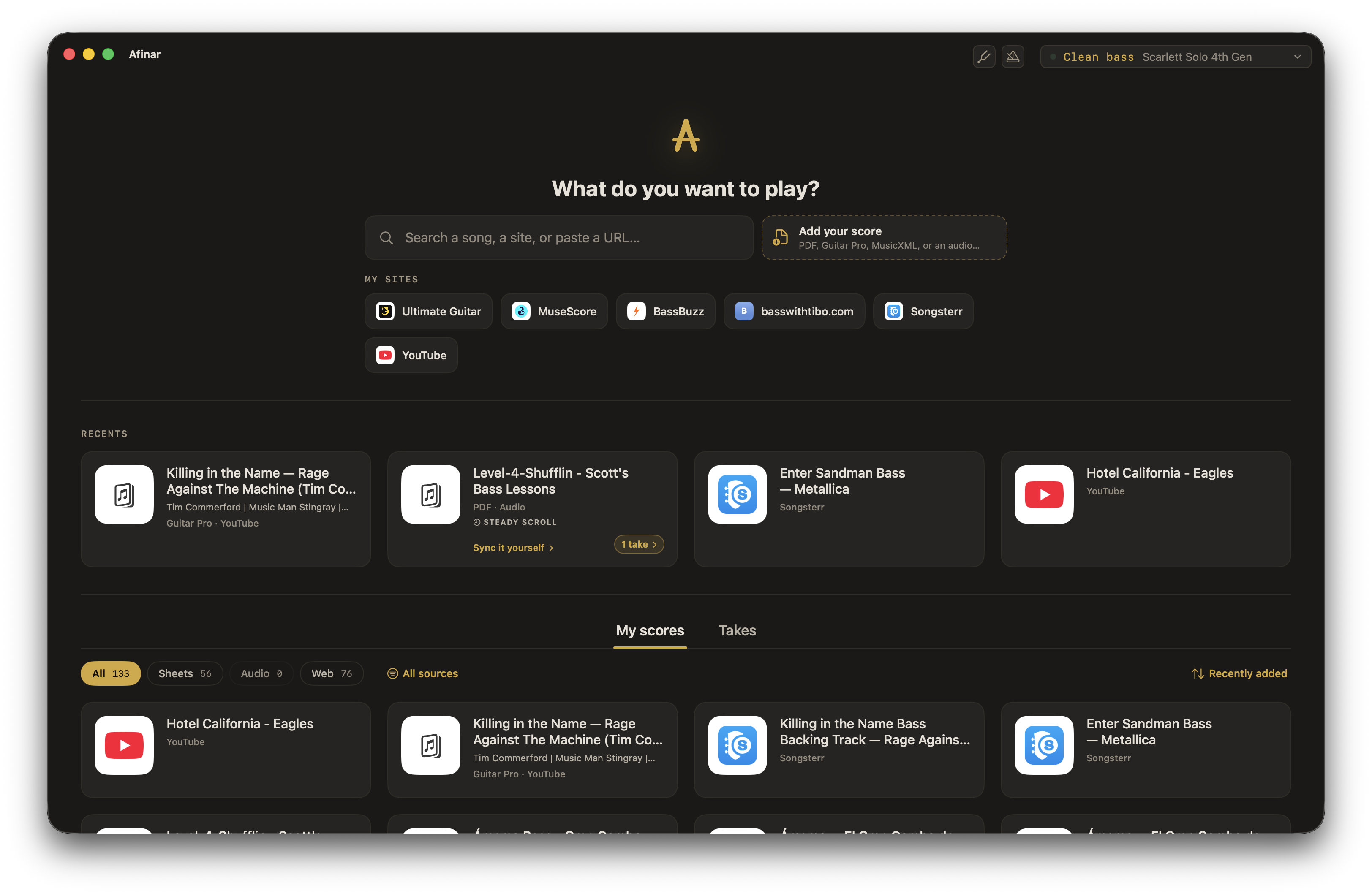
Your tabs and lessons, right here.
Open Songsterr, Ultimate Guitar, or your lesson website inside Afinar. Play through your own sound and record a take as you learn.
Use your existing account. Website subscriptions remain separate.
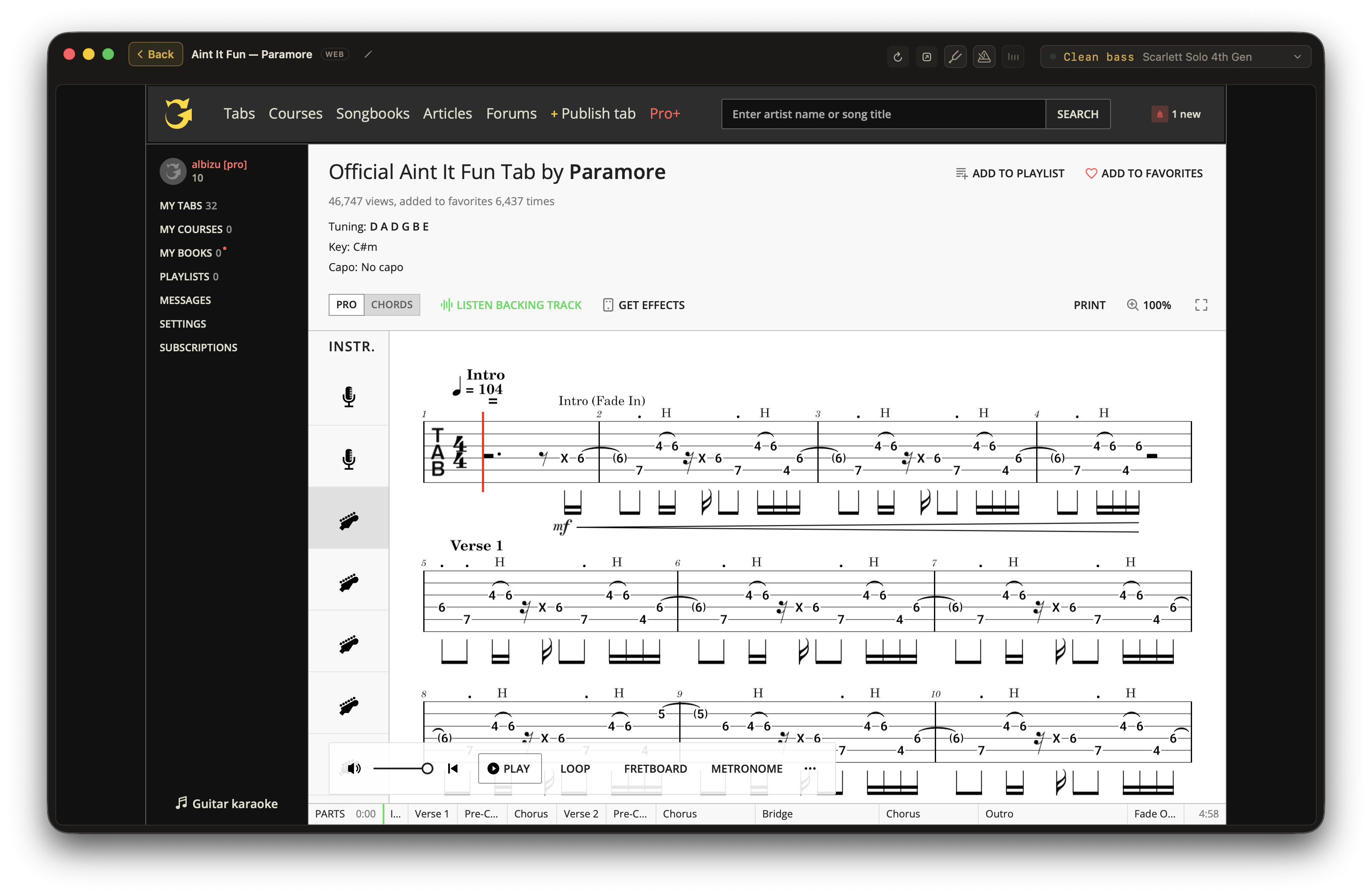
Import your sheet music.
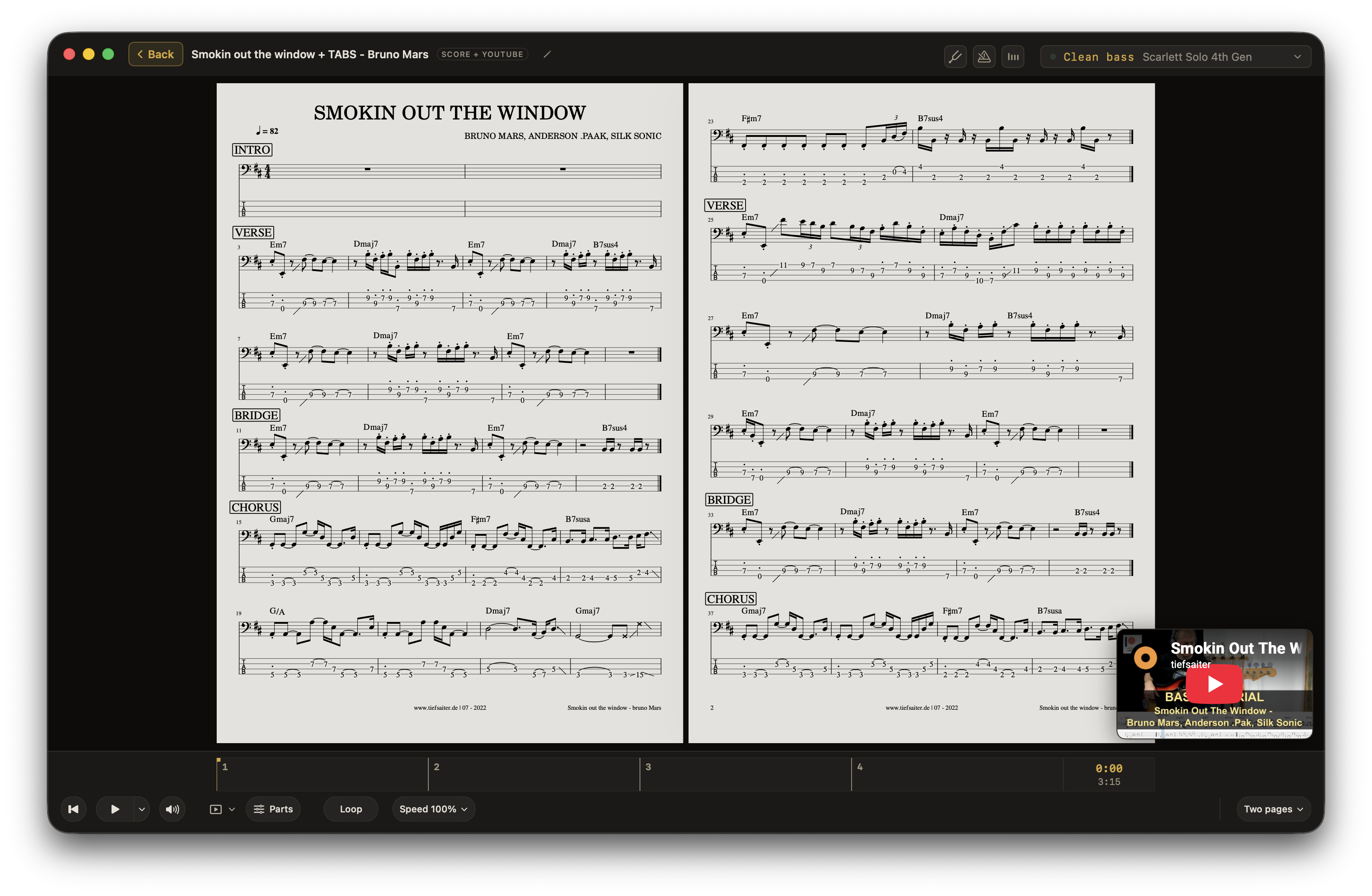
Bring PDFs, Guitar Pro, and MusicXML files. Add the recording and play along with the score in front of you.
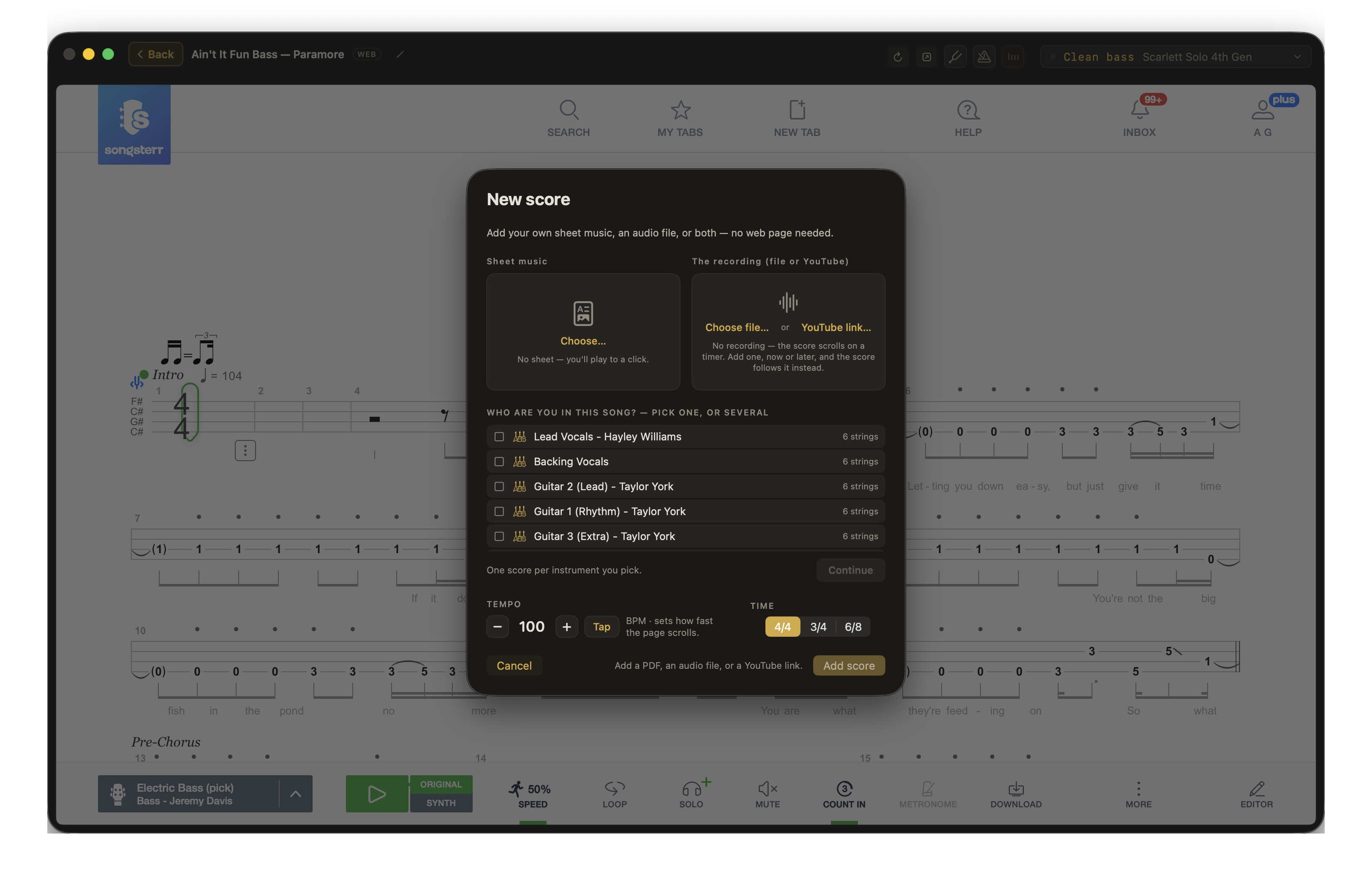
Give the music room.
Choose how your PDF fills the screen, with four views:
Trim the margins to make more space for the notes. Guitar Pro and MusicXML scores use a continuous sheet.
Let Afinar scroll for you, or turn pages with a Bluetooth pedal. Explore auto-scroll →
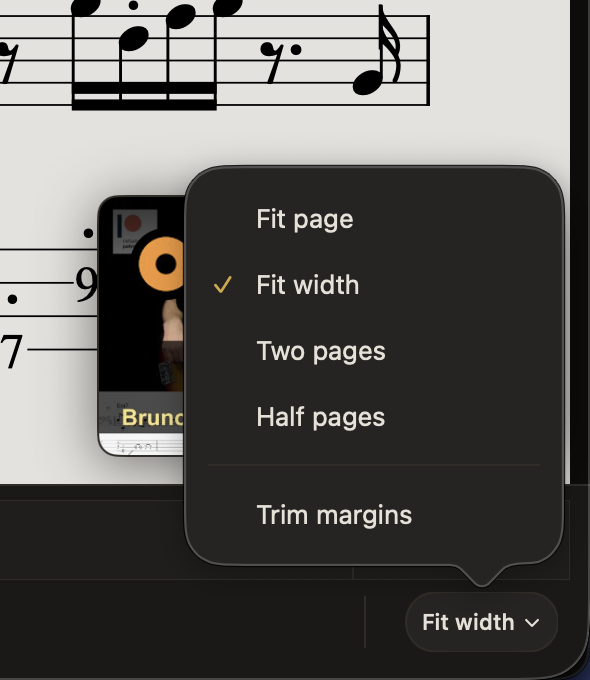
Just want to play along?
Bring an audio file or YouTube video and play. Add a score when you want one.
Find your takes with the song.
Open a piece to hear your earlier takes. Star your favorites to find them again.