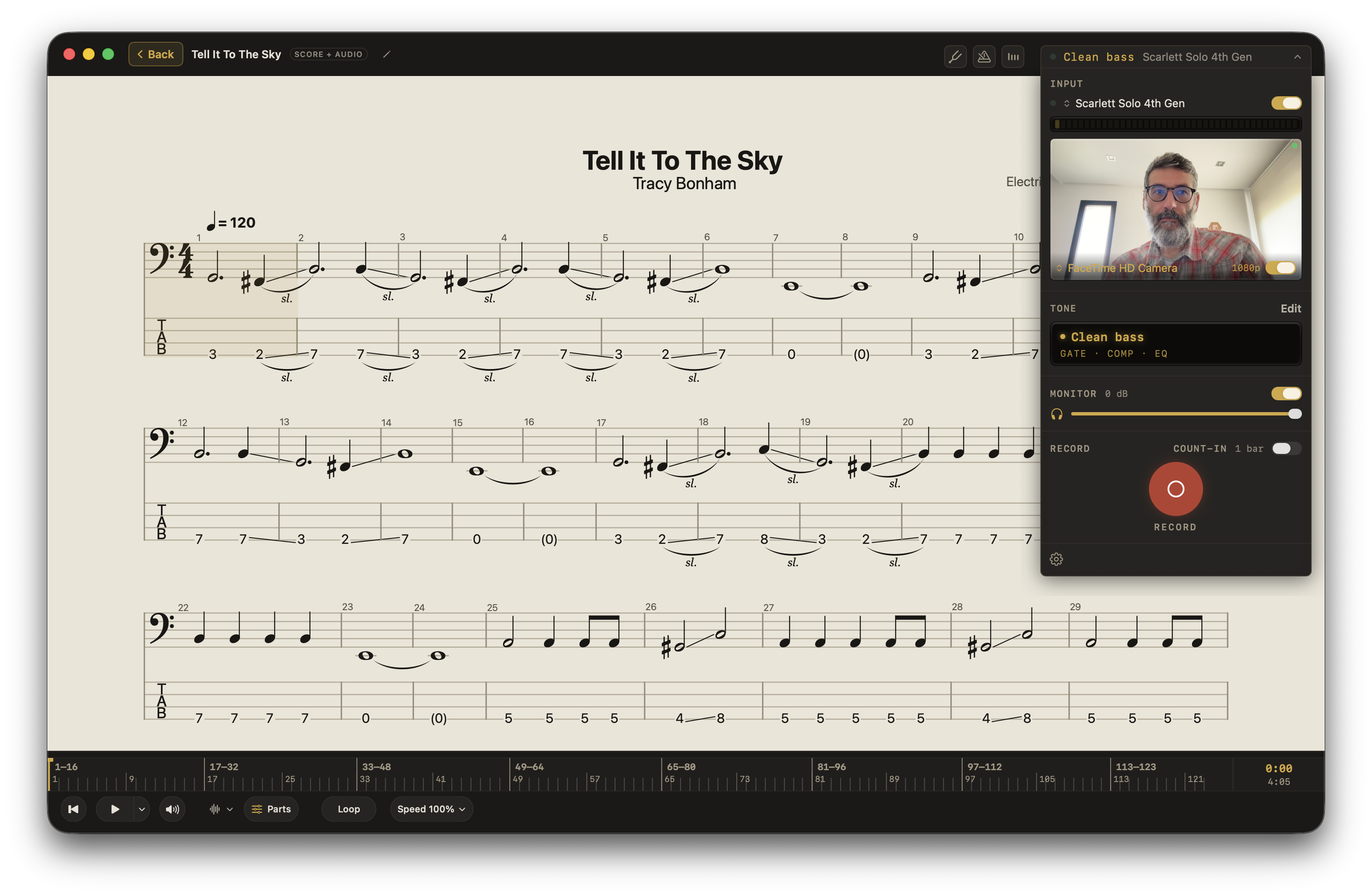
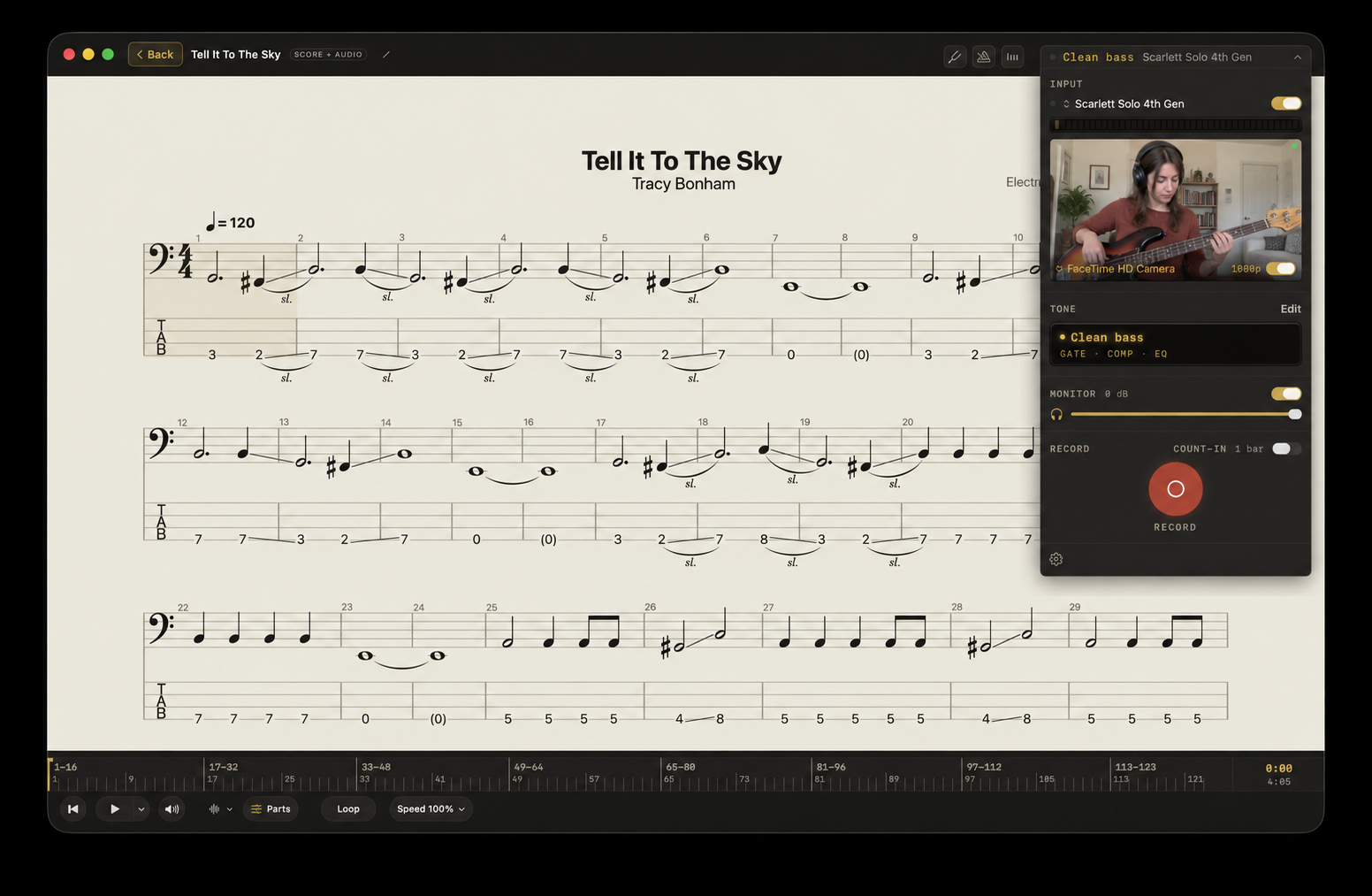
Press Record and play along with your music. Listen back to hear what’s working and what to practice next.
Keep your score, tabs, or lesson in view. Record audio or video takes.
Good sound. A simpler way to record.
A quick voice memo captures the moment. A recording project gives you control. Afinar brings that control into your practice: your instrument, your music, and your takes in one app.
A quick voice memo
Set your phone beside you and press record. It’s easy, but the microphone captures your instrument, the music from your speakers, and the room together. Useful for a quick check; the sound and balance depend on where you put the phone.
A setup across apps
GarageBand or another recording app gives you detailed control. Set up your tracks, inputs, and effects; import the music; and open your score or tabs separately. Recording browser audio may also need a routing tool. You can get great sound, with more setup and more windows to manage.
All together in Afinar
Connect through an audio interface for a clean, direct instrument take, with the music alongside it. Keep your scores, tabs, amps, and effects in the same app. Press Record, play, then listen back and balance your instrument against the song. For voice and acoustic instruments, use a microphone.
About this comparison
These are example workflows. Voice memo apps can also use external microphones, and GarageBand can make high-quality recordings. Afinar’s advantage is bringing your music, scores, tone, and recording into one practice workflow.
Berklee’s self-assessment lesson, featuring professor Leo Blanco, teaches students to record their playing, listen for areas to improve, and discuss next steps with their teacher. Read the lesson.
Research helps explain the value of that second listen. In a study of 112 young instrumentalists, students rated aspects of their playing differently after hearing a recording. This shows that playback can change self-assessment; it does not establish that recording alone improves performance. Read the study.
Results are not uniform: a separate study of 26 undergraduate musicians found no statistically significant improvement in self-assessment accuracy from playback alone. The practical lesson is to listen deliberately, choose a next step, and seek feedback when you need it. Read the study.
Listen without effects.
Switch Tone Off to hear your instrument without Afinar’s amps and effects. Focus on the playing behind the tone.
Try another sound.
With ToneSwap, change the amp and effects on a saved take to find the sound that fits.
Keep your best. Share when you’re ready.
Hear how far you’ve come.
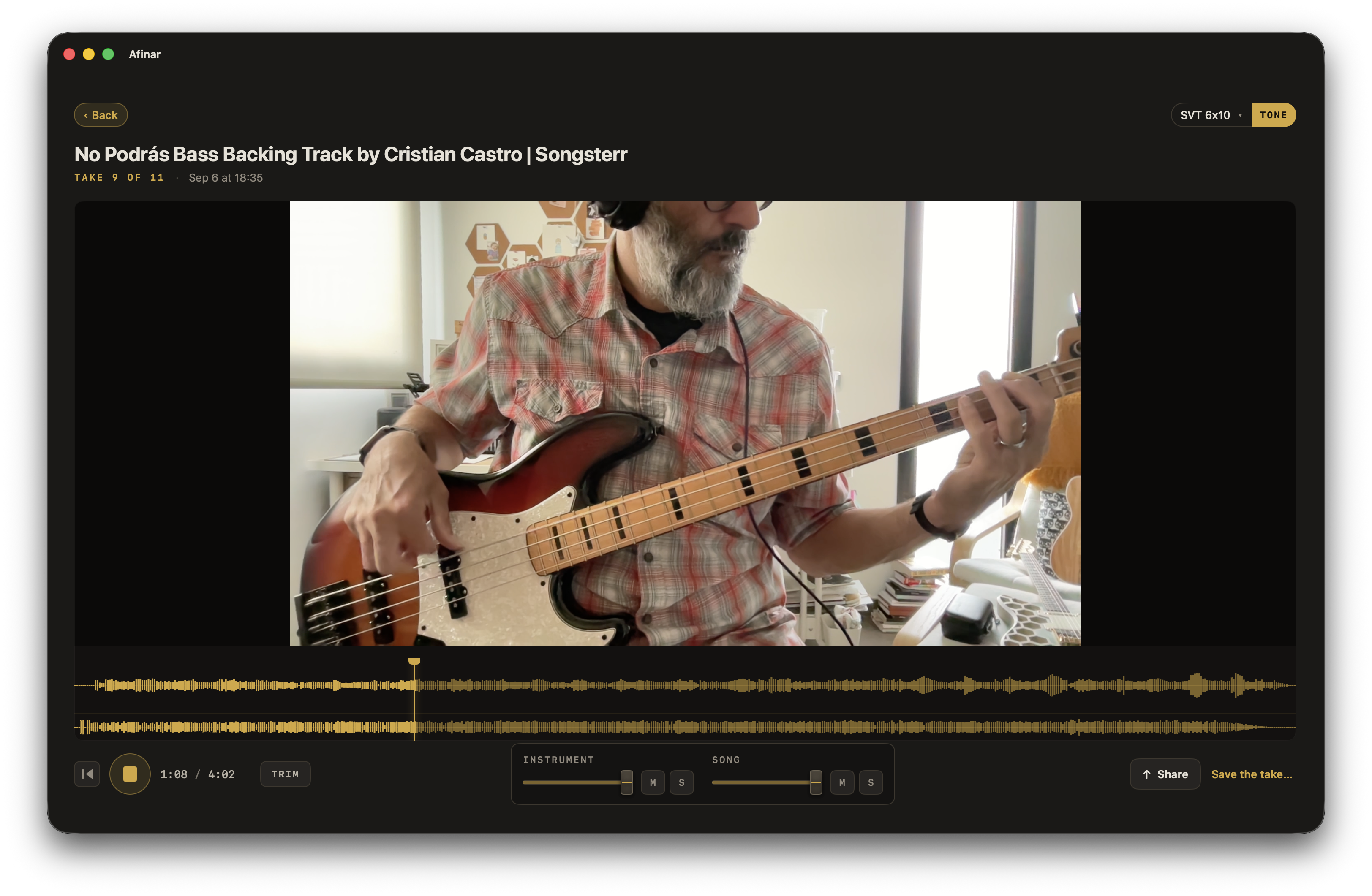
Your takes stay with the song. Star your favorites and come back to them to hear how your playing has changed.
Share a phrase or a performance.
Trim your take, balance your instrument with the music, and export audio or video. Share with your teacher or friends, or post on YouTube and socials.
 Afinar