 Afinar
Your practice room.
Wherever you play.
Scores, tabs, lesson websites, and your instrument’s sound, together on the iPad beside you. Learn a song at home, work on it with your teacher, then take it to rehearsal.
Afinar for iPad is in development.
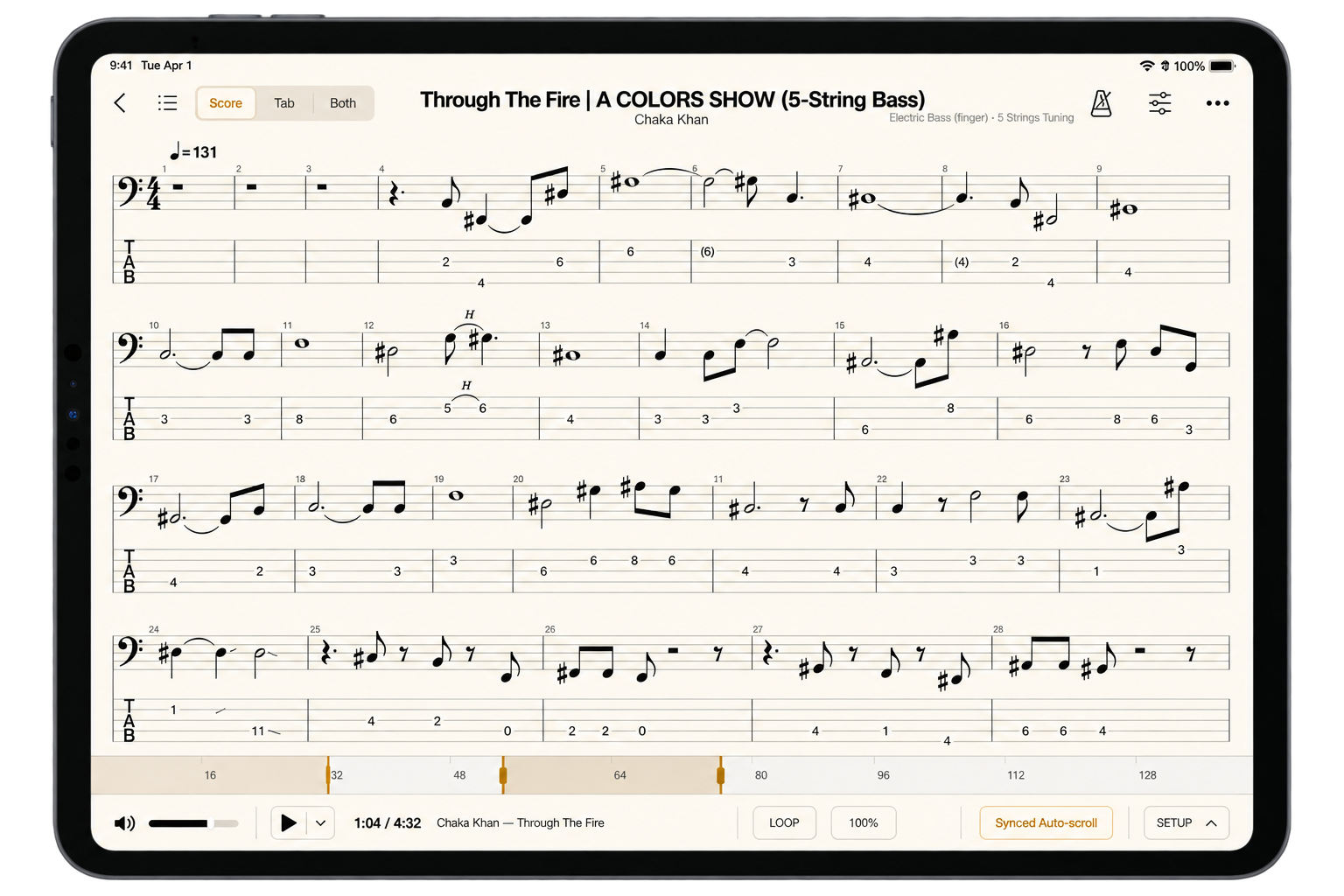
From learning a part to making it yours.
Bring the music you love.
Open your PDFs, Guitar Pro, and MusicXML scores, or the tab and lesson websites you already use. Keep what you’re learning together in your library.
Take it at your pace.
Play along with an audio file or YouTube video. Slow a passage down and loop it until the notes start to feel natural.
Find your sound.
Start with a preset, shape it with amps and effects, and save a tone for your instrument. Each score remembers the tone you last used.
Hear what’s getting better.
Press Record, play your part, and listen back to your take. Hear the timing and phrasing you miss while playing, and know what to work on next.
A place on your music stand.
Keep your score in front of you, from the first read-through to rehearsal or performance. Read a full page, see two at once, or move closer to the notes.
Let the score scroll while you play, or turn PDF pages with a compatible page-turn pedal. Your hands stay with your instrument.
Afinar is coming to iPad.
Join the Mac beta or get an email when Afinar for iPad is ready.