 Afinar
Your score, in time with your music.
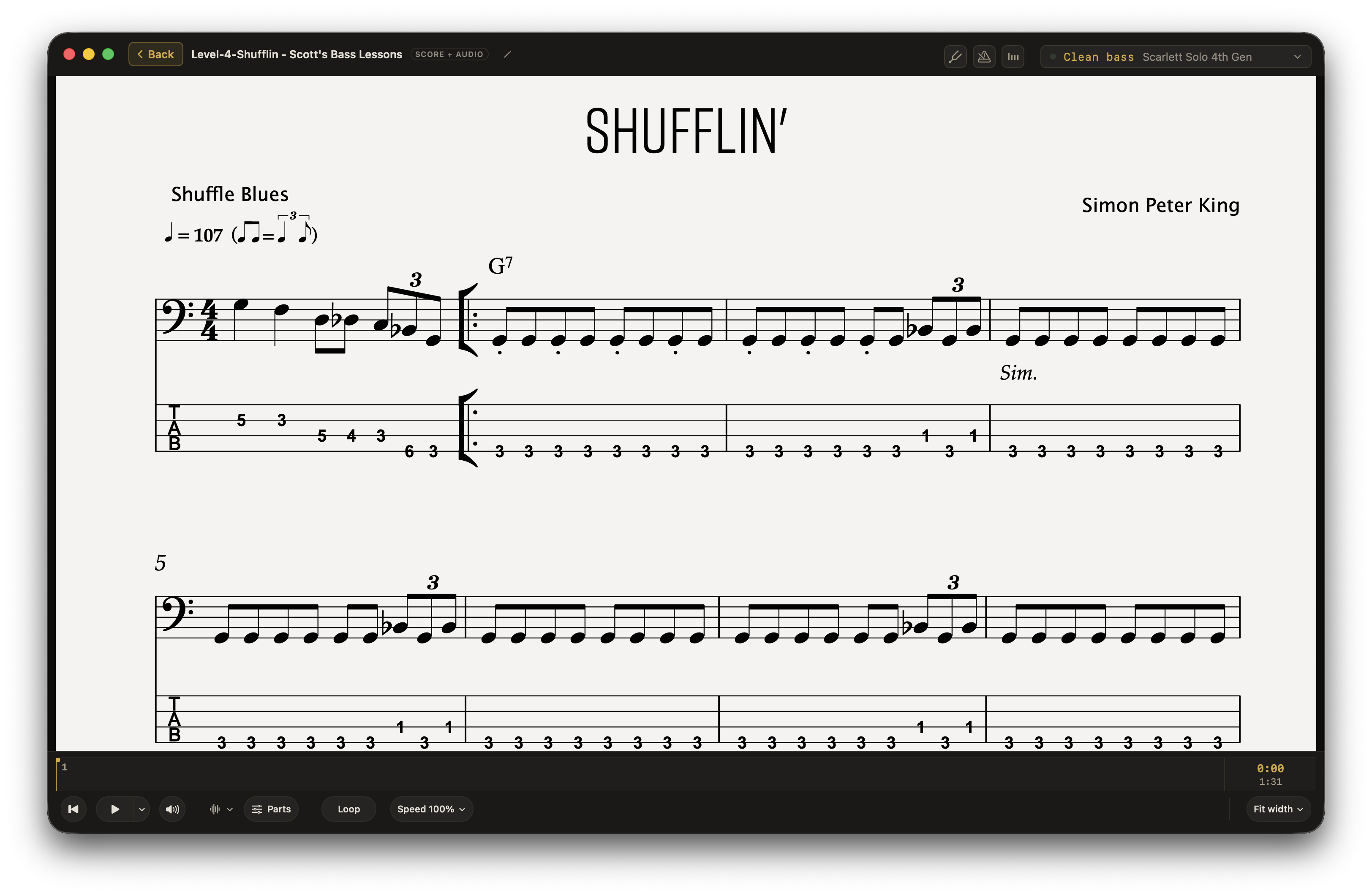
Add your Guitar Pro or MusicXML score and the recording you want to play with. Afinar syncs them and scrolls the score as the music plays.
Import your score.
Choose the instrument part you want to play.
Add the recording.
Use an audio file or audio captured from a YouTube video.
Press Play.
Afinar matches the score to the audio and scrolls it for you.
PDFs, at your pace.
Turn pages with your Bluetooth pedal.
Afinar supports Bluetooth page-turn pedals, so you can keep both hands on your instrument.
Use your pedal while you play, or during a manual syncing pass. Afinar remembers those page turns along with the music.
Read the score your way.
Choose a full page, fit the width, see two pages, or move through half pages. Trim the margins to give the notes more room.
Start with a song you love.
Afinar is in beta. Join now and your first year is free. After that it’s $39.99 a year, everything included.