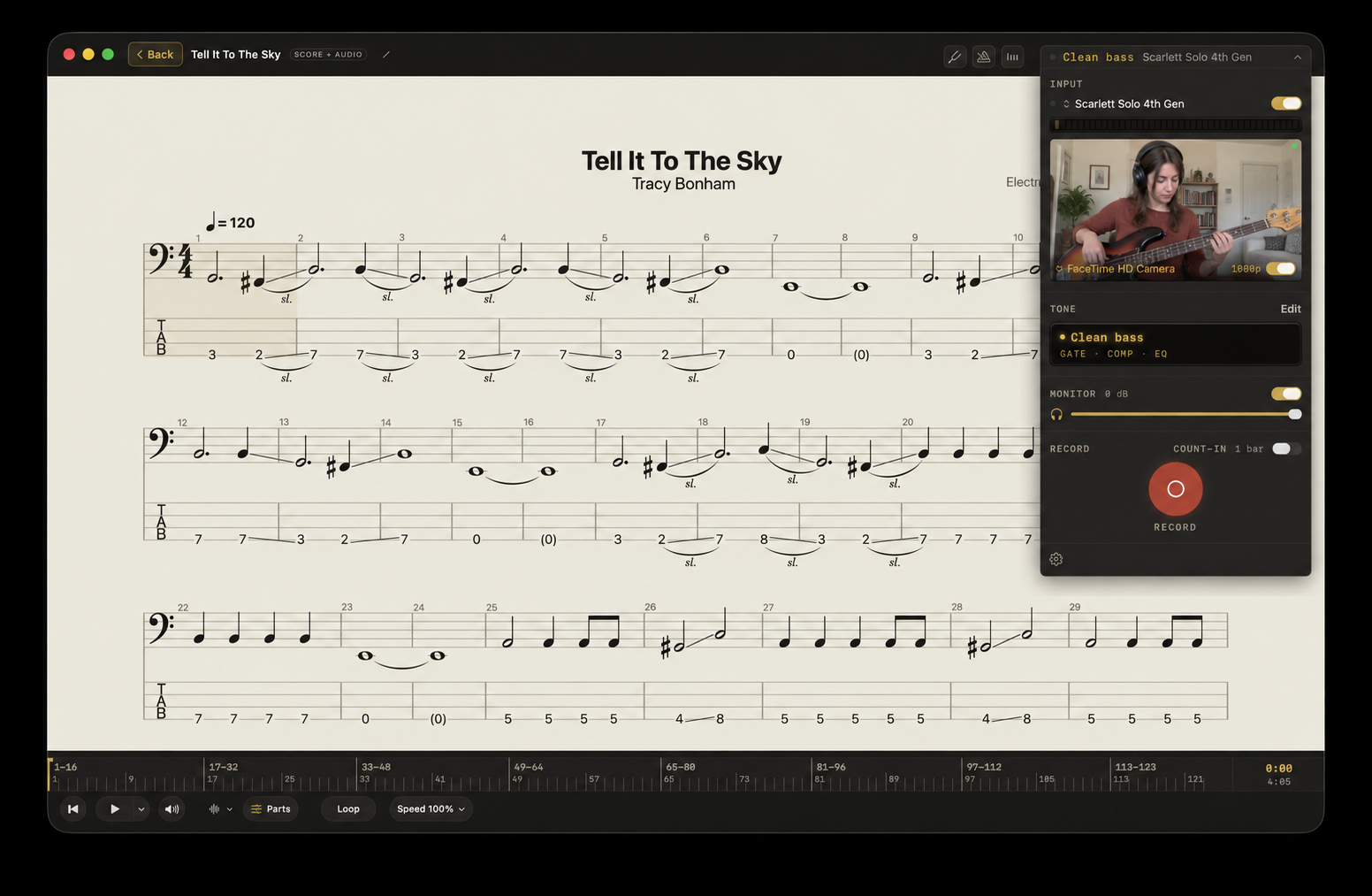
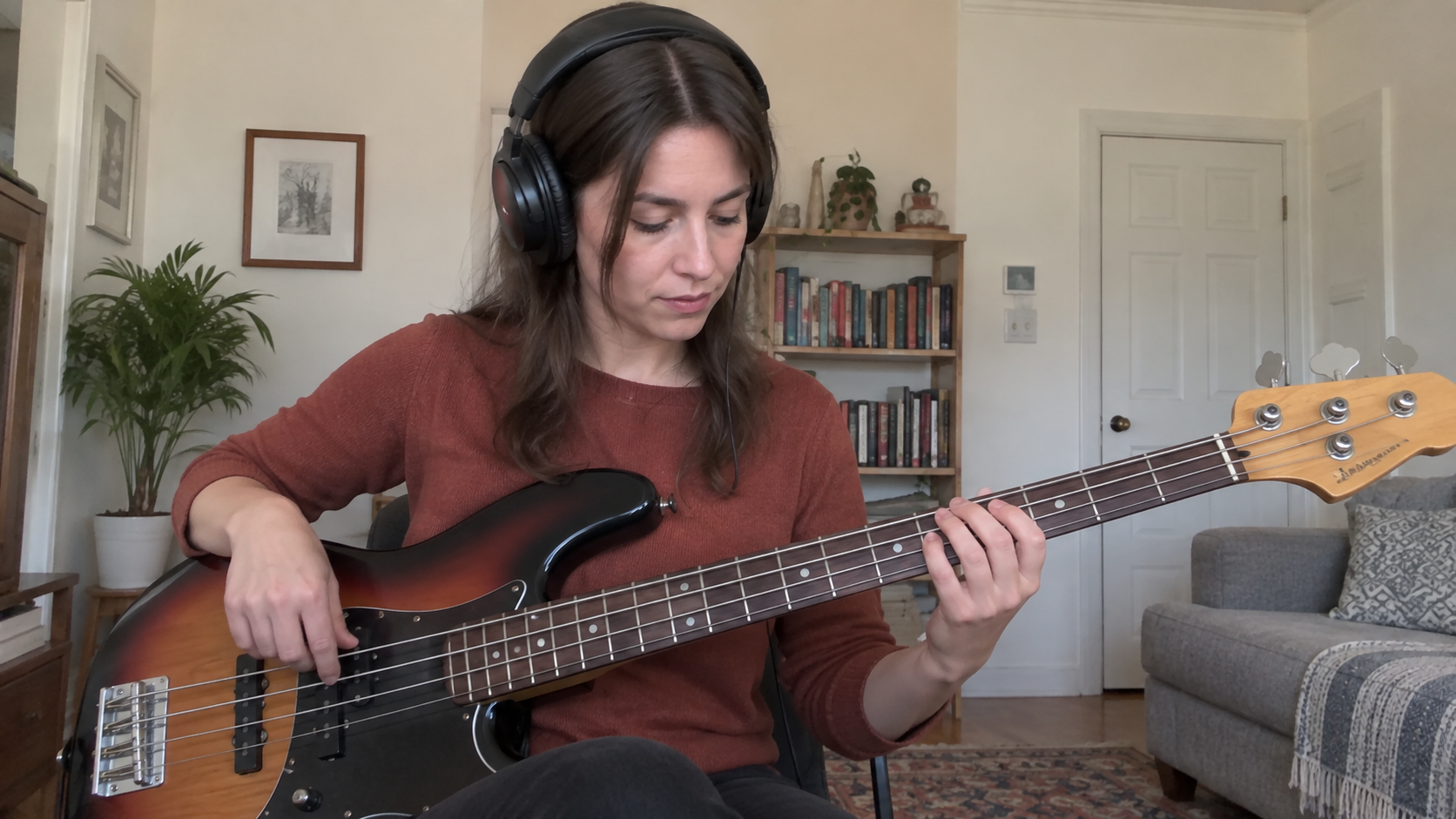
Guitar & bass
Electric or acoustic. Connect through an audio interface, or use a microphone for an acoustic instrument.
 Afinar
Play with the original recording and capture your part, with your music, score, and sound together in one Mac app.
Bring your PDFs, Guitar Pro or MusicXML scores, audio files, and YouTube videos. With a built-in browser, you can also bring the lesson and tab websites you love.
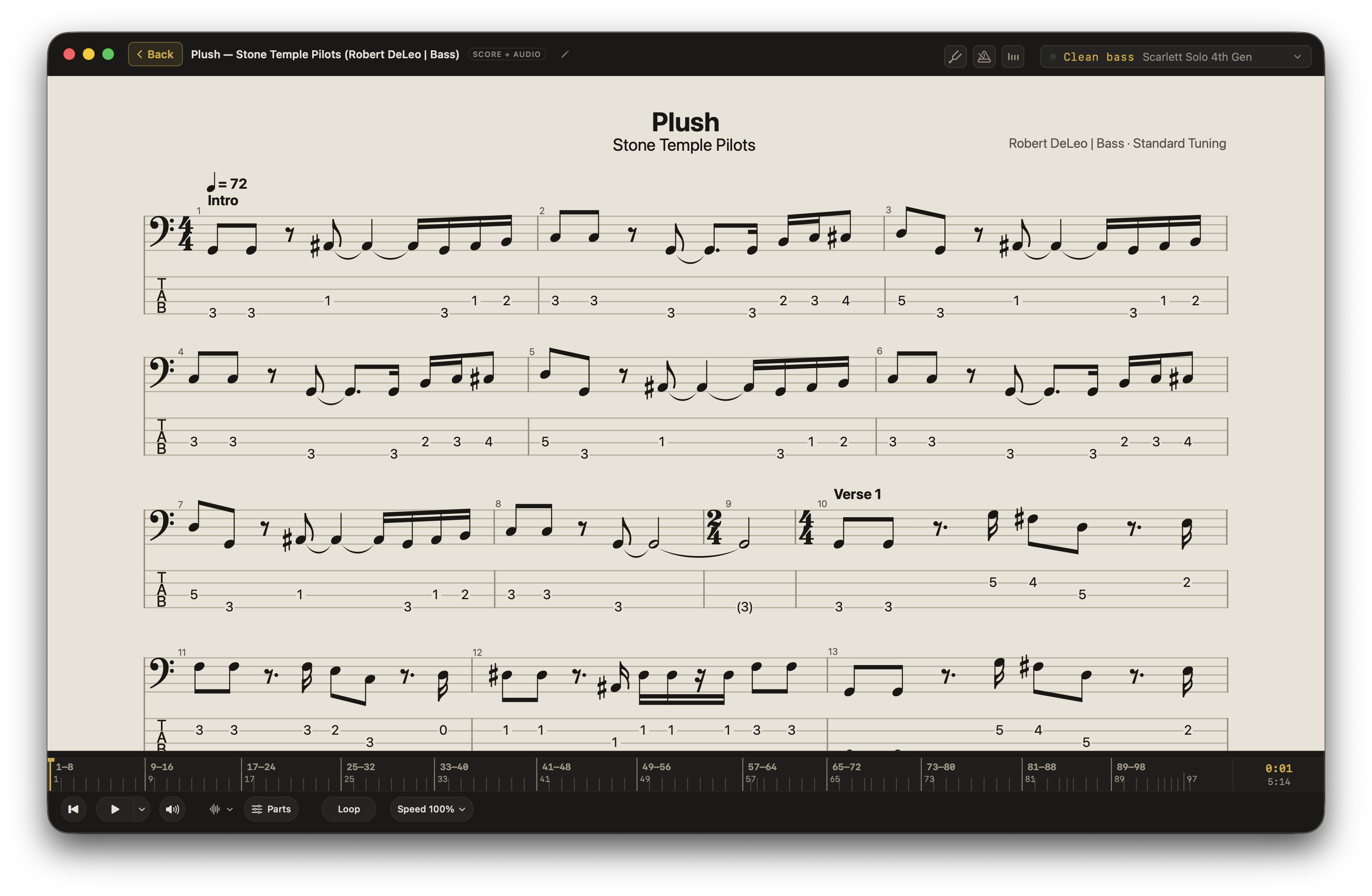
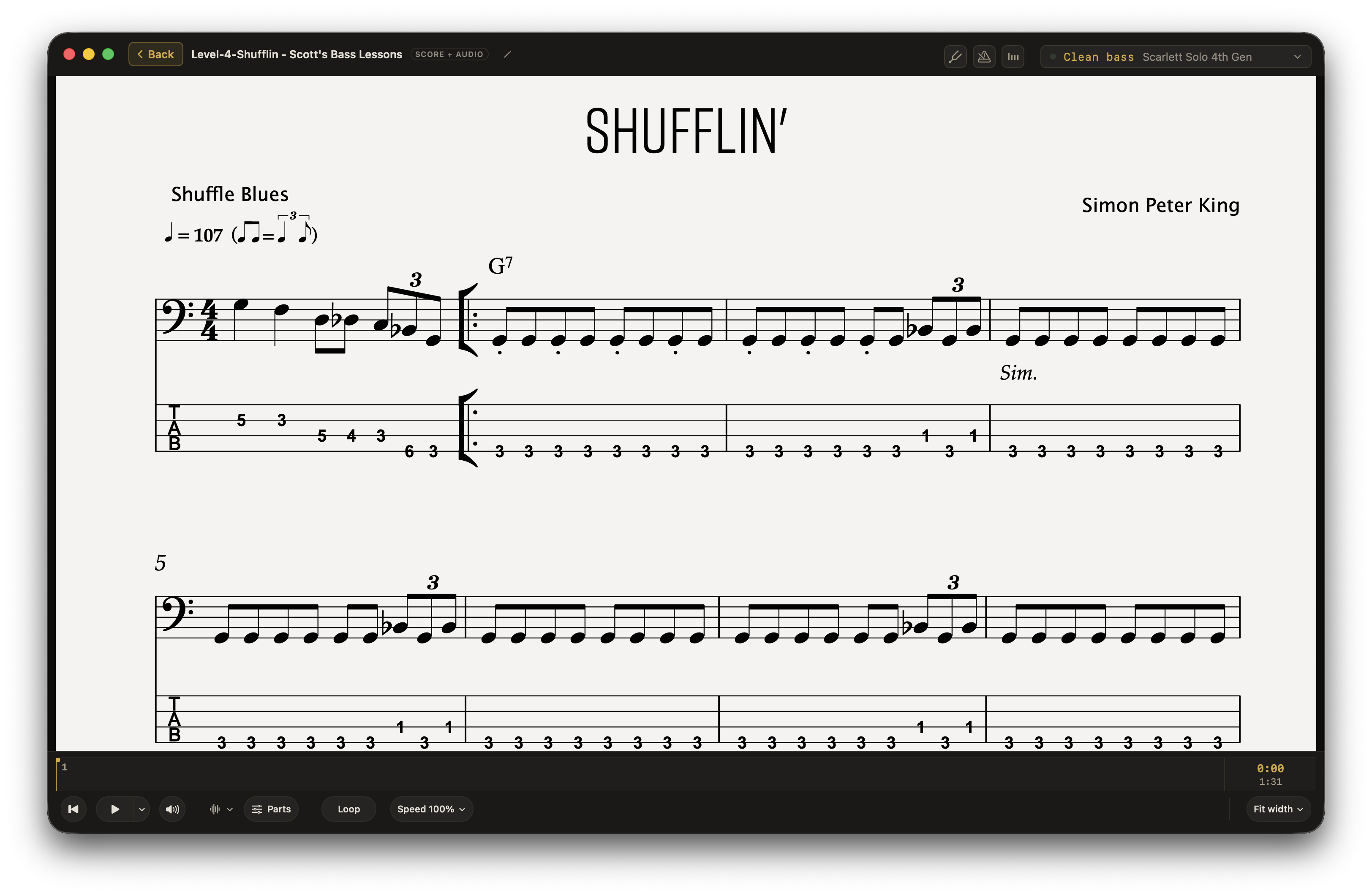
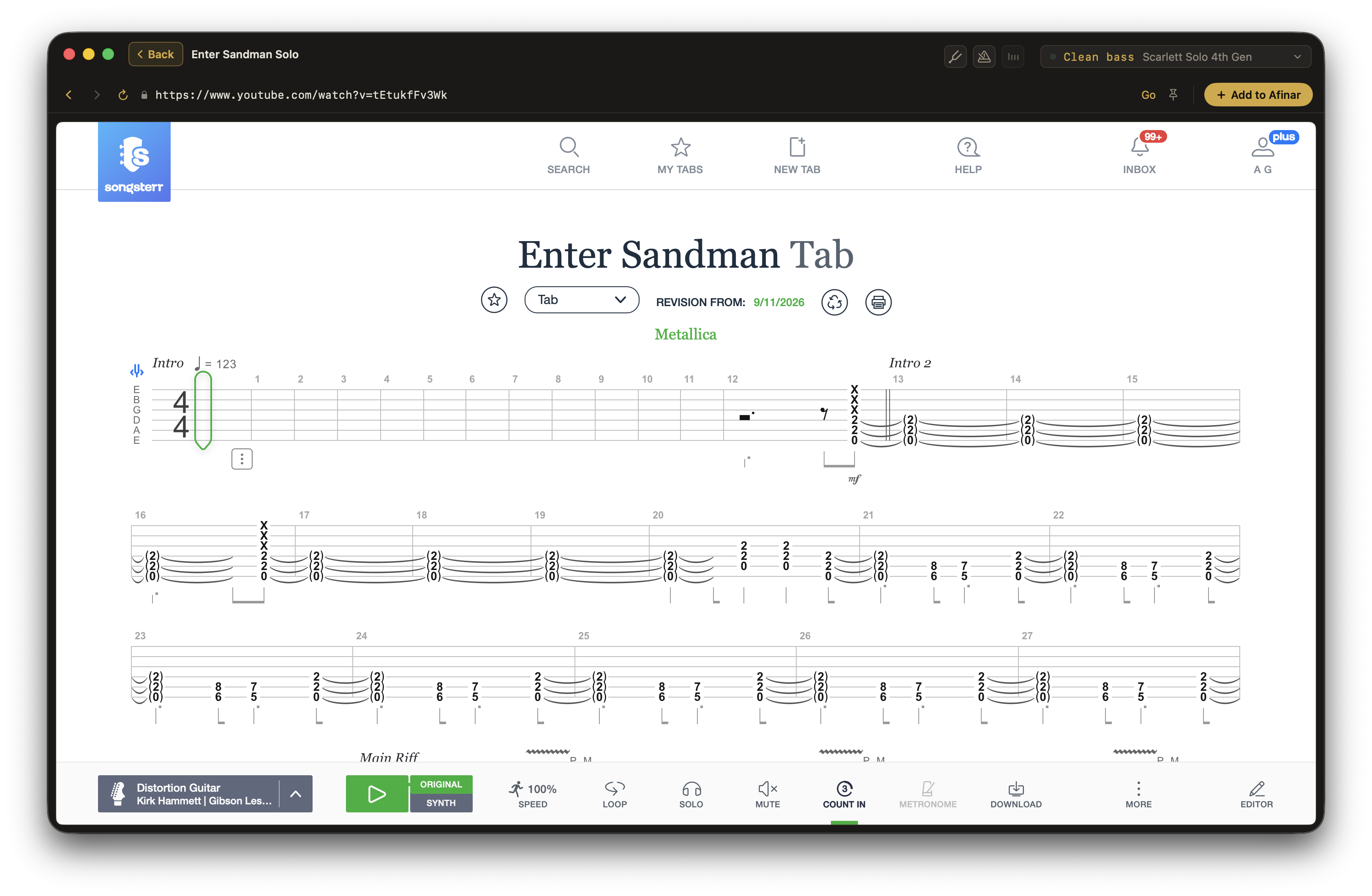
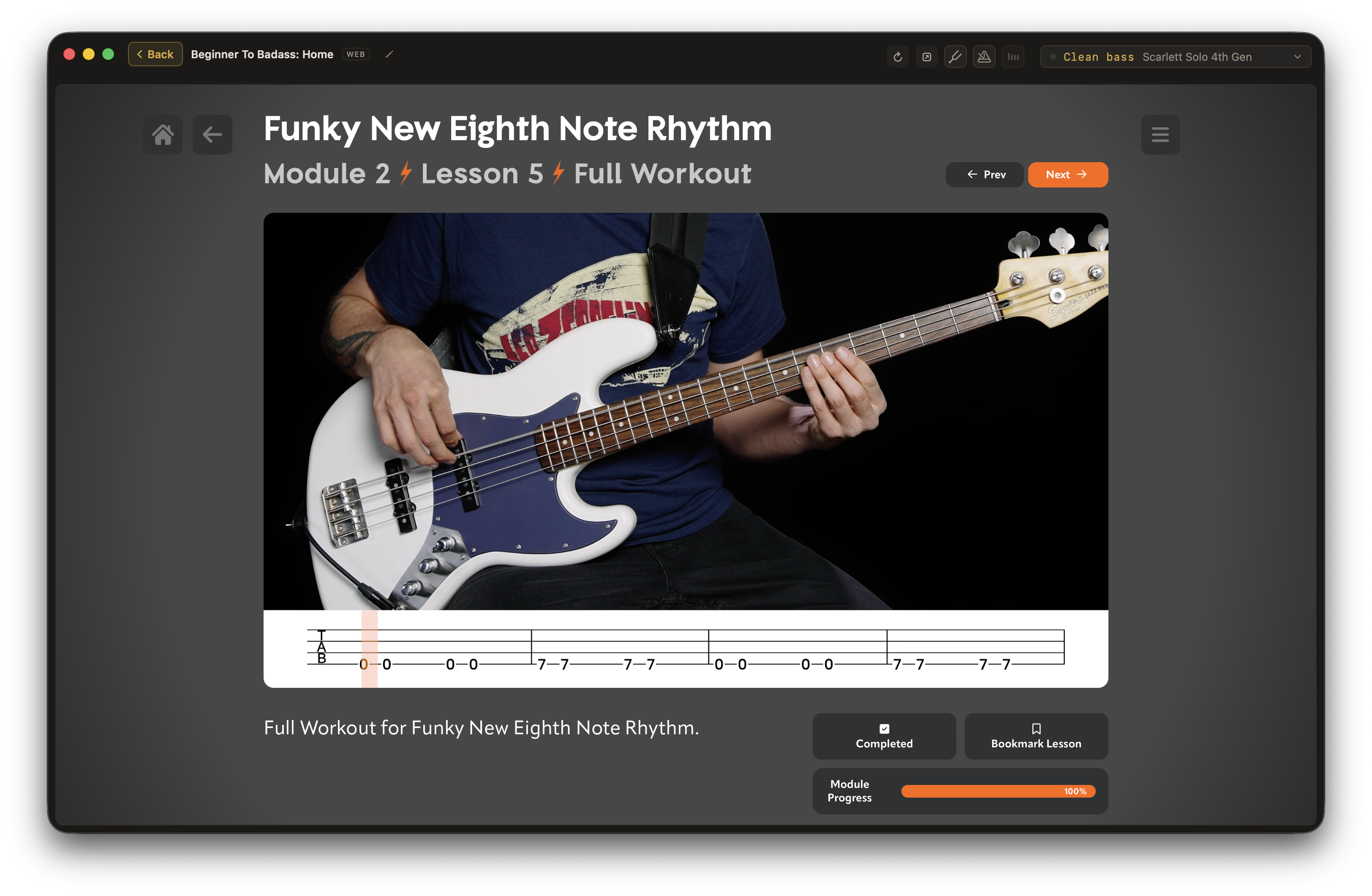
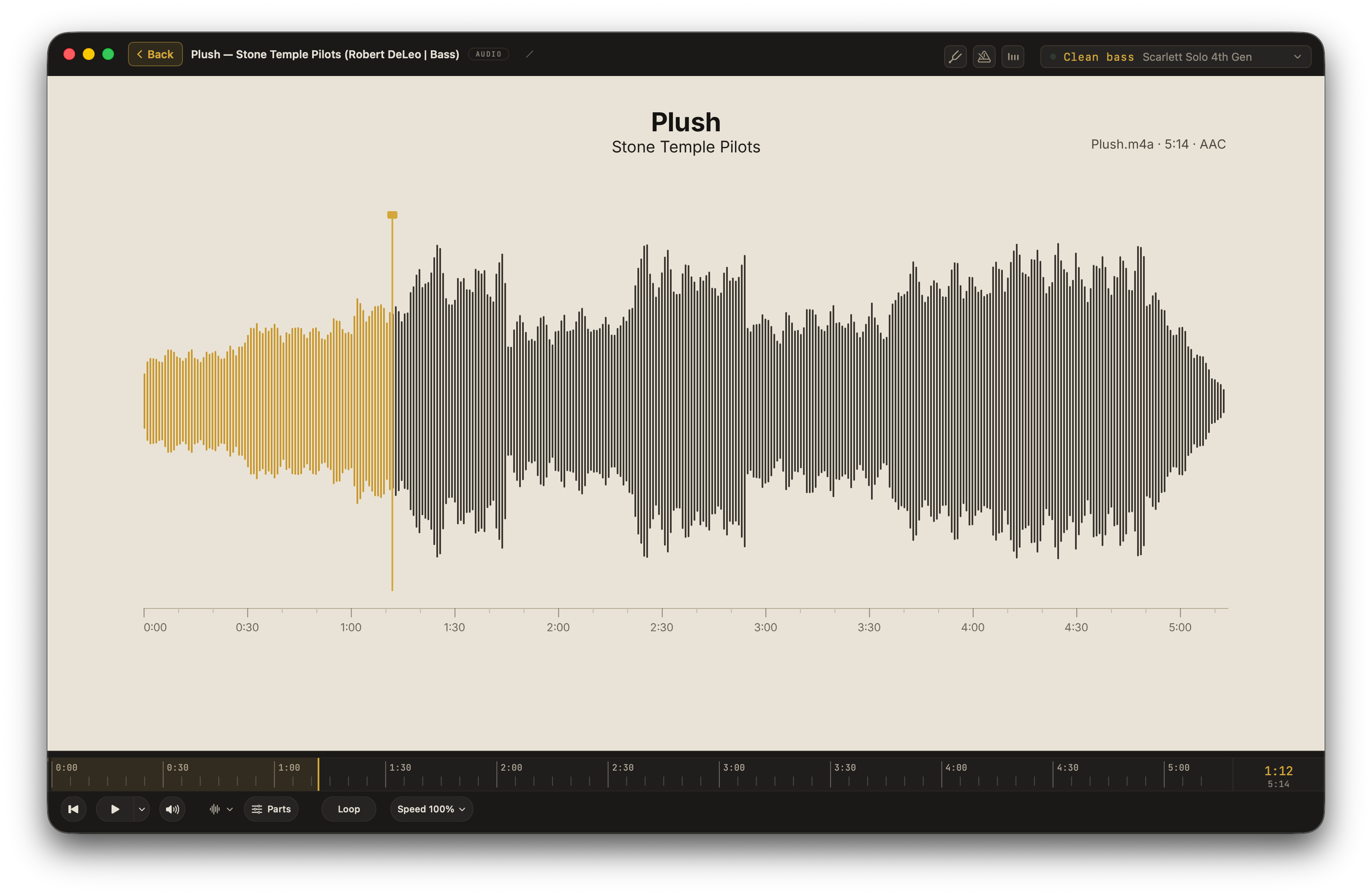
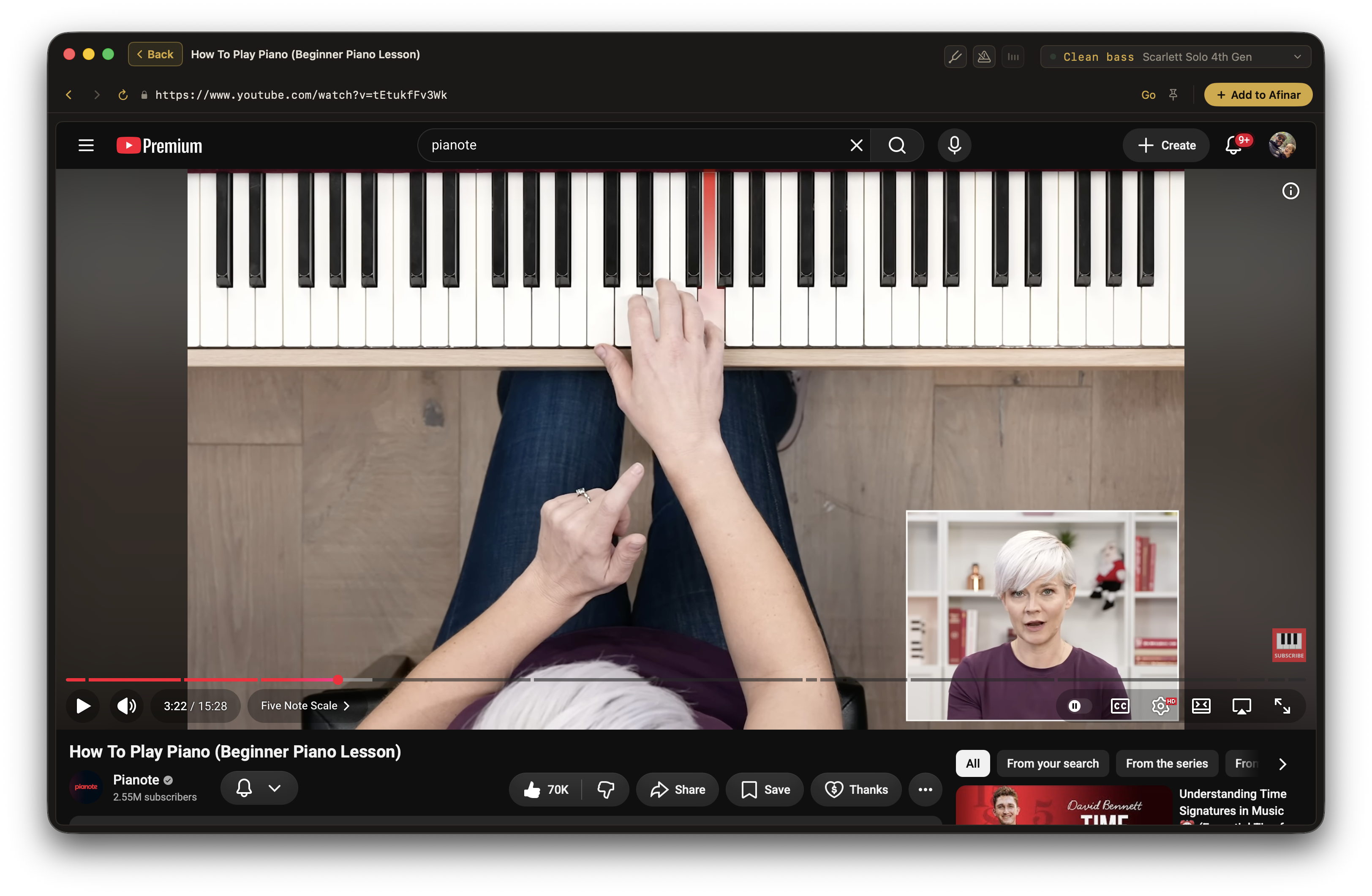
Stem separation splits a song into its parts on your Mac. Mute the one you play and the band keeps going without you, so you can sit in the chair instead of playing over the person already there.
It works on an audio file or a YouTube video, on your own machine, with no upload and no limit on how many songs. Turn the part down instead of off when you want to hear how it goes.
Find your sound with built-in amps and effects, or your own compatible NAM amp-and-speaker rig. Press Record and play with the original recording, keeping your score or lesson in view.
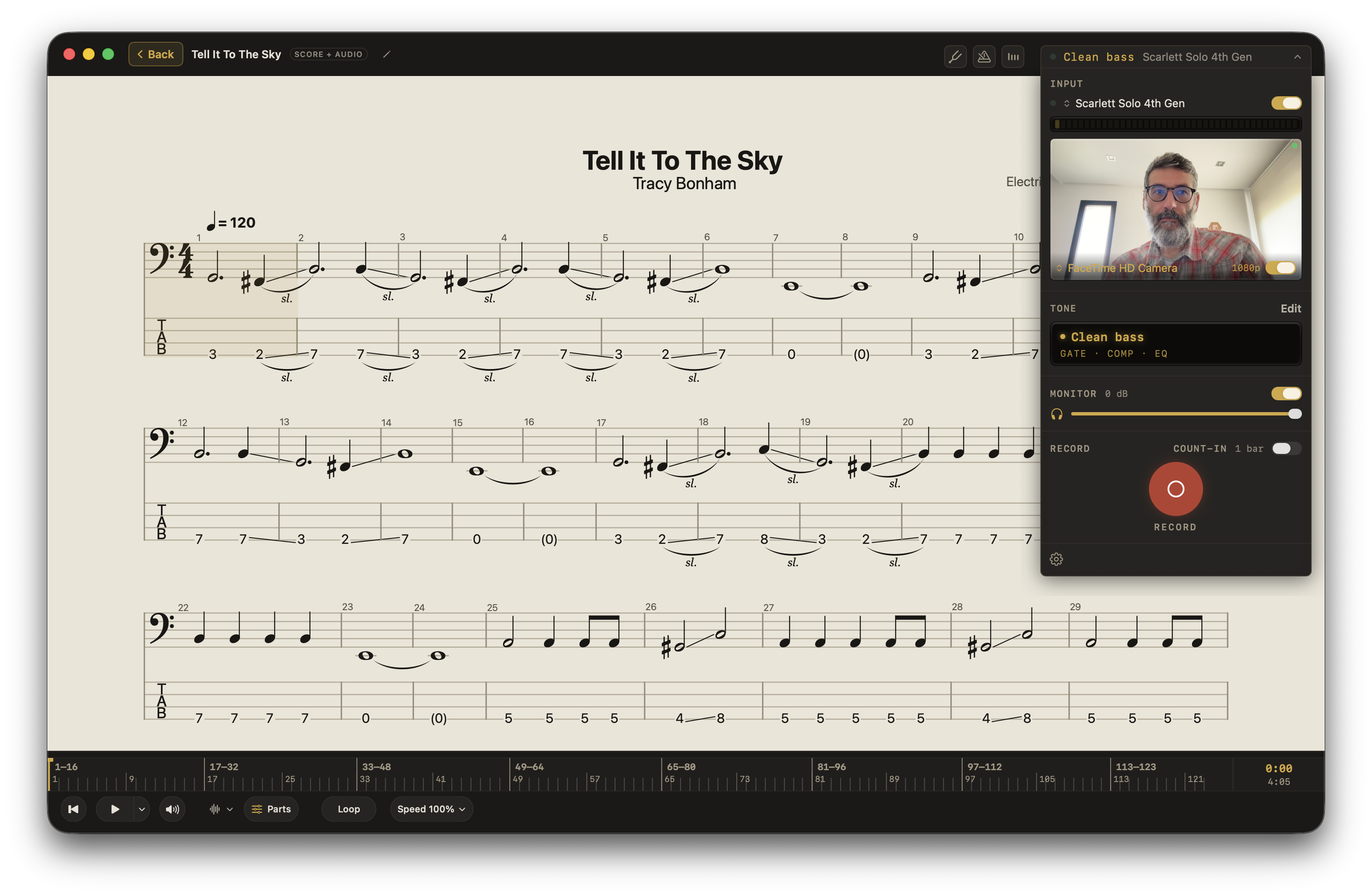
A phone memo captures your instrument, speakers, and room together. A DAW means setting up a recording project. Afinar keeps the music, effects, and recorder together, with separate levels for your instrument and the song.
Explore recording →Did you rush that entrance? Did every note come through? Did the quiet part stay quiet?
Listen without having to play at the same time. Switch Tone Off to hear your instrument without Afinar’s effects, choose one thing to work on, then try it again.
Why recording yourself belongs in your practice →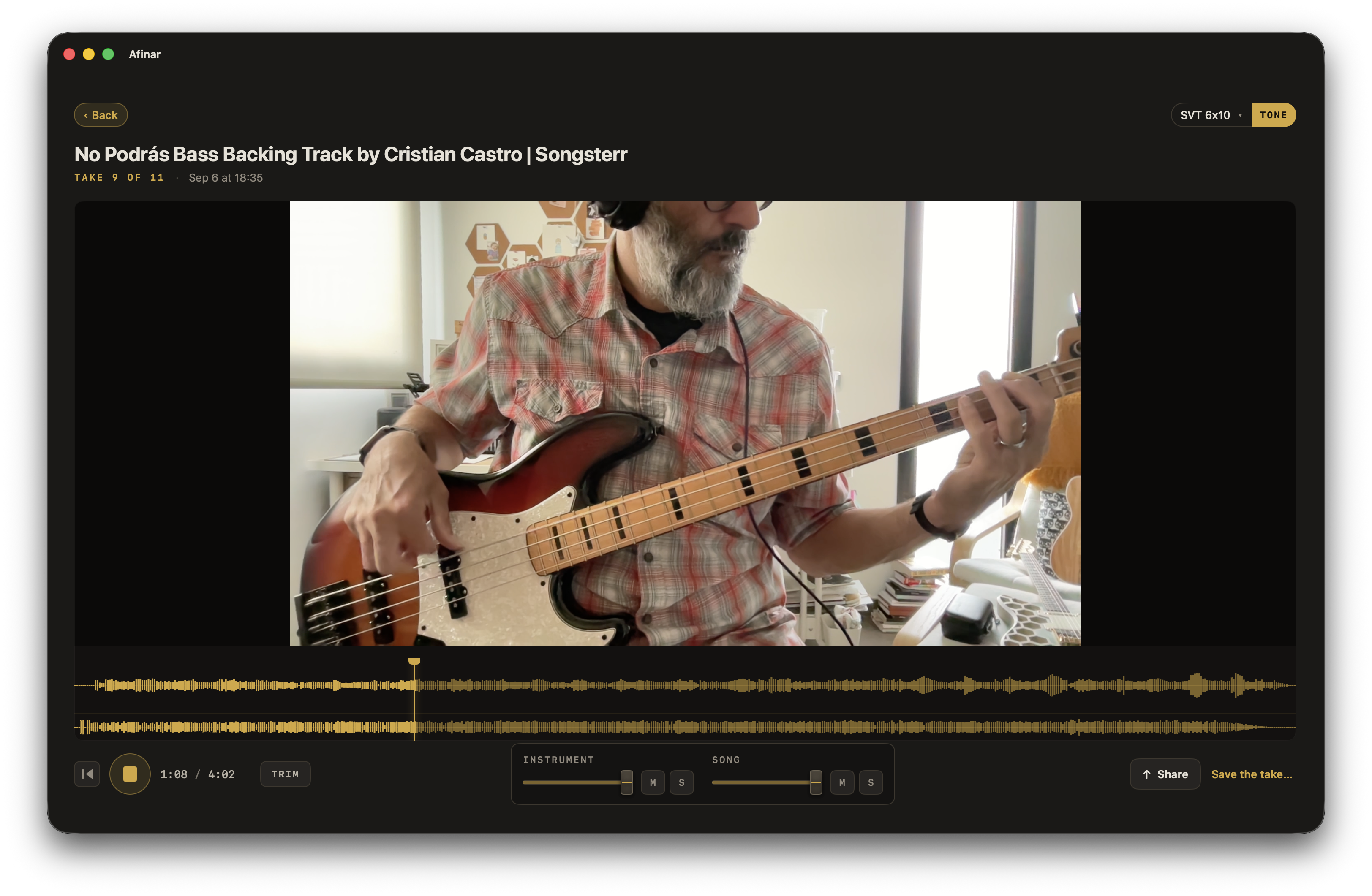
Keep a take you love, share it with your teacher or friends, and come back later to hear your progress.
If you make music, you can use Afinar.
Electric or acoustic. Connect through an audio interface, or use a microphone for an acoustic instrument.
Connect your keyboard or synth’s audio output through an interface. For an acoustic piano, use a microphone.
Violin, viola, cello, ukulele, and more. Use a microphone or connect a pickup through an interface.
Flute, clarinet, saxophone, trumpet, and more. Use a microphone to capture your instrument.
Connect your electronic kit’s audio output through an interface, or use microphones for acoustic drums and percussion.
Use a microphone, including the one on your Mac. Start with the Voice preset and make it your own.
Start with a preset, adjust the effects, and save tones for the instruments you play. Find your sound →
Afinar has partnered with TONE3000, home to a huge library of Neural Amp Modeler captures of real analog gear. Their complete rigs, amp and speaker captured together, are coming to the Afinar beta.
More about TONE3000 in Afinar →